> ## Documentation Index
> Fetch the complete documentation index at: https://docs.hyperrails.io/llms.txt
> Use this file to discover all available pages before exploring further.
# On-Ramp Transactions
> Convert fiat currency into stablecoins using HyperRail’s on-ramp feature.
## Overview
On-ramp transactions allow merchants to **convert fiat currency into stablecoins** directly within the HyperRail application.
These transactions use **available platform liquidity** to execute conversions at transparent rates, with clear settlement and transaction tracking.
***
## When to Use On-Ramp
* Funding stablecoin balances
* Preparing funds for cross-border payouts
* Converting local collections into stablecoins
* Managing treasury liquidity
***
## How an On-Ramp Transaction Works
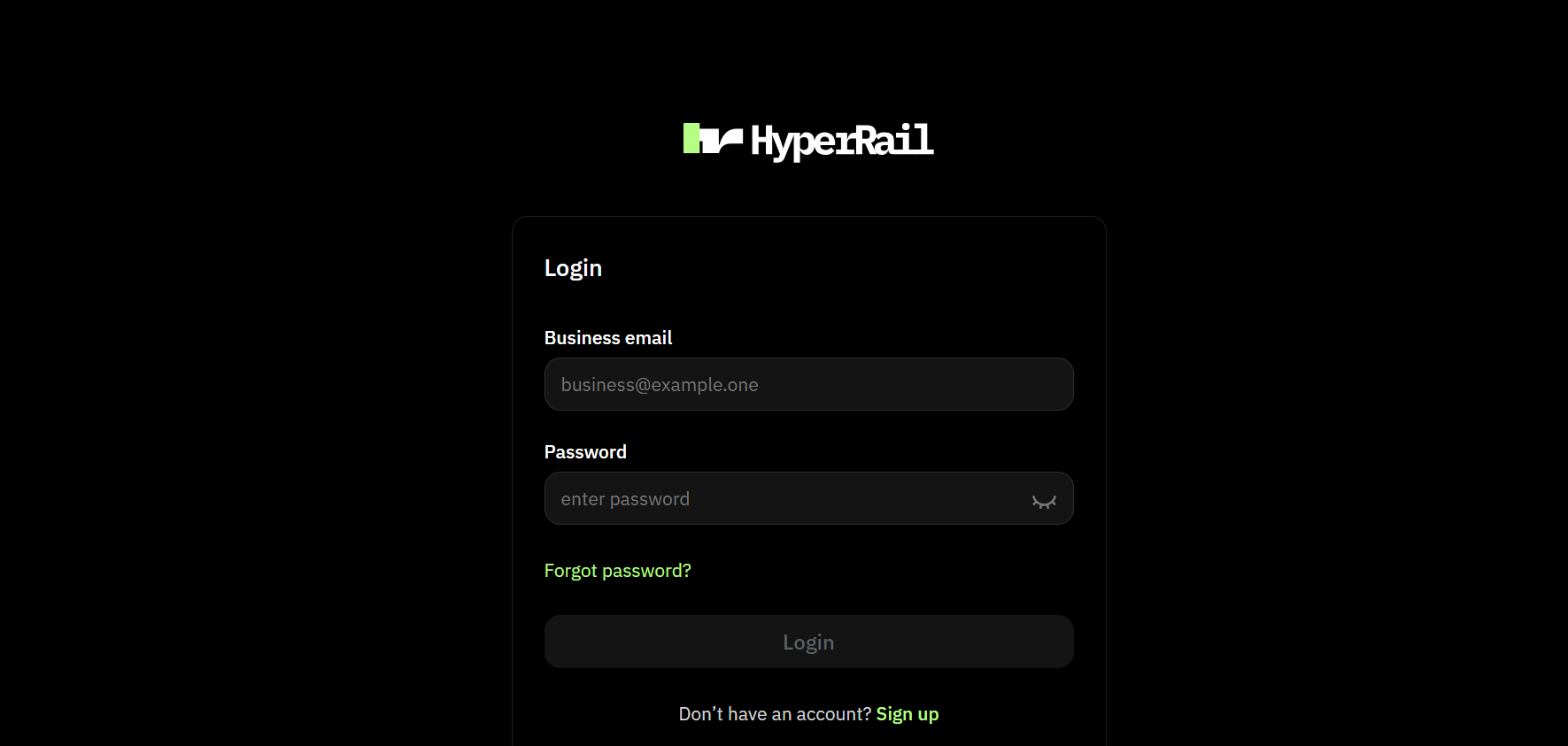 Login to your HyperRail account
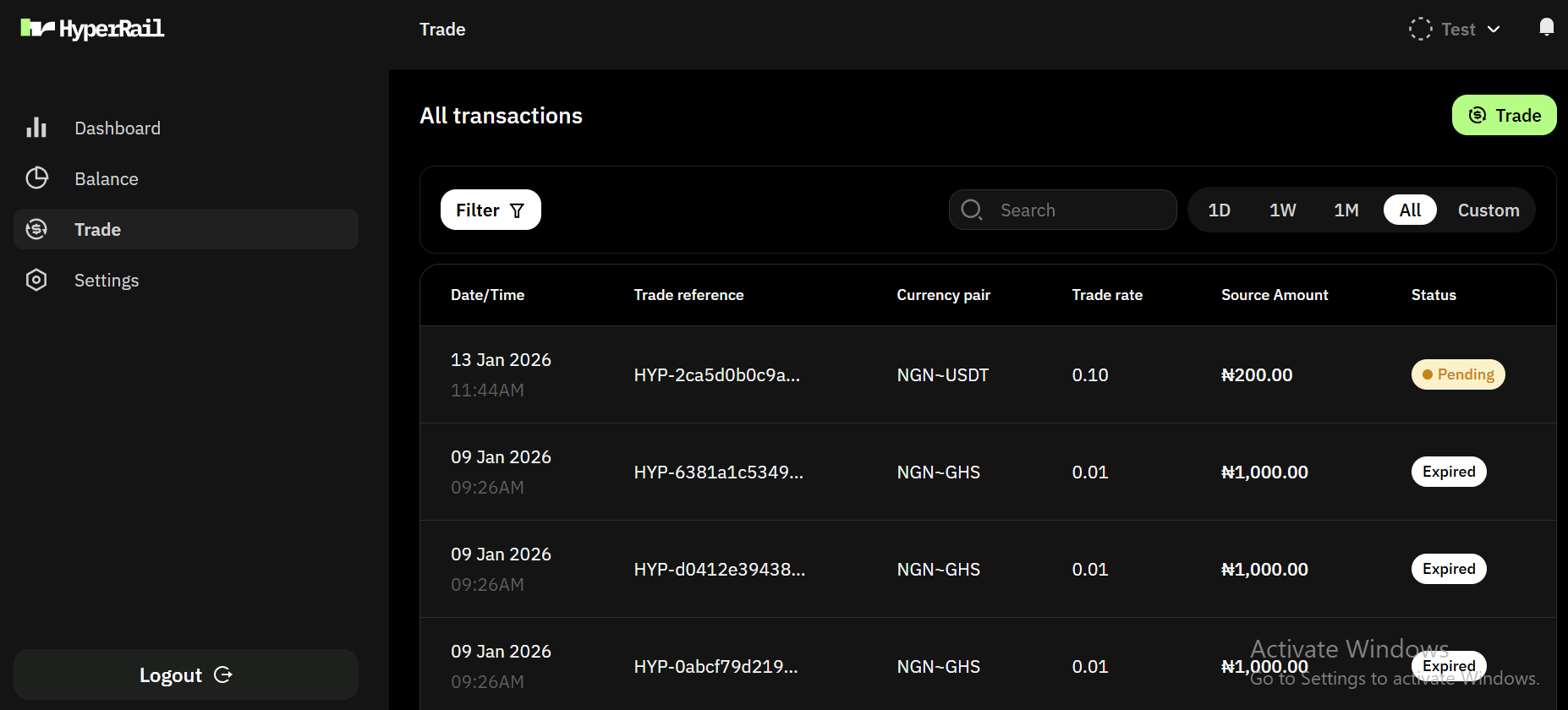 Select the **Trade** on the sidebar and click on the **Trade button** at the top-left side
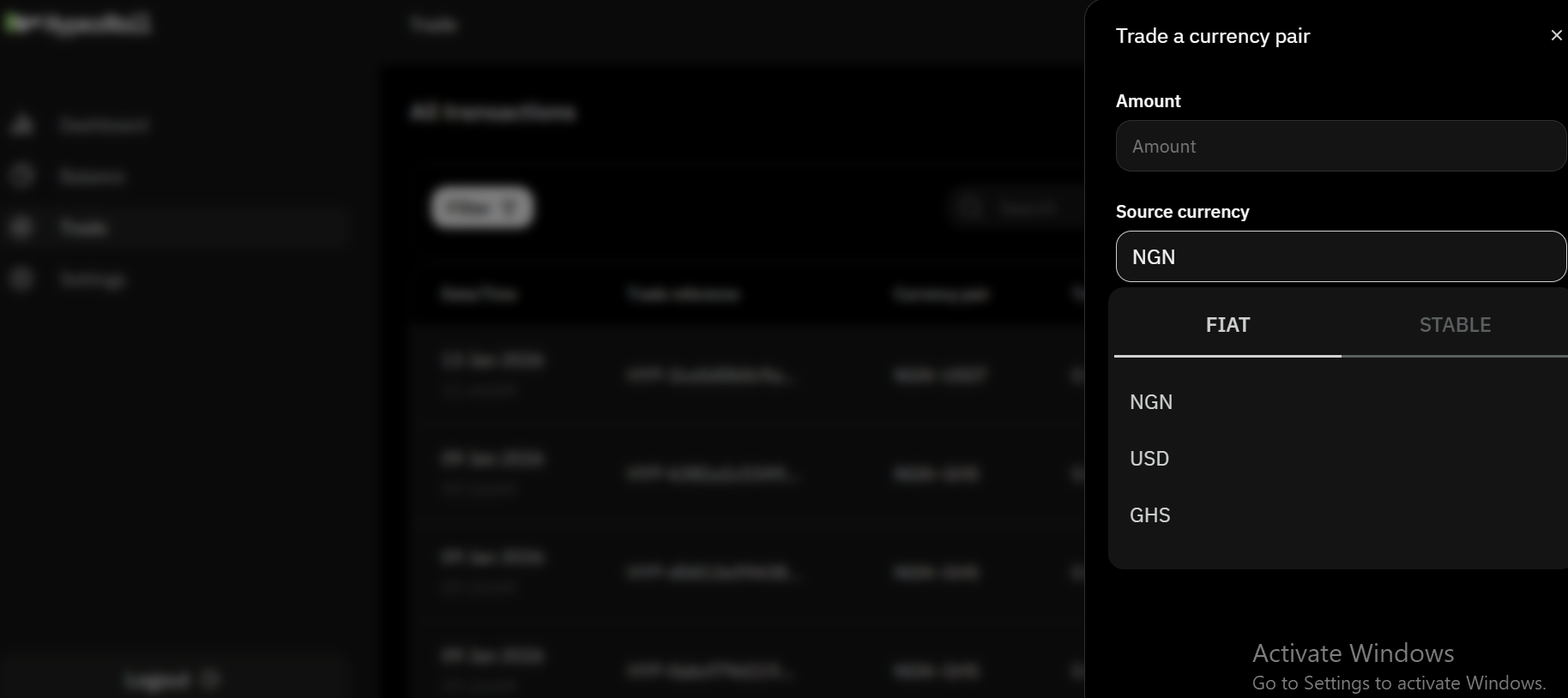 Select the source fiat currency, the destination stablecoin, and the amount you want to convert.
 HyperRail displays the current exchange rate and expected stablecoin amount.
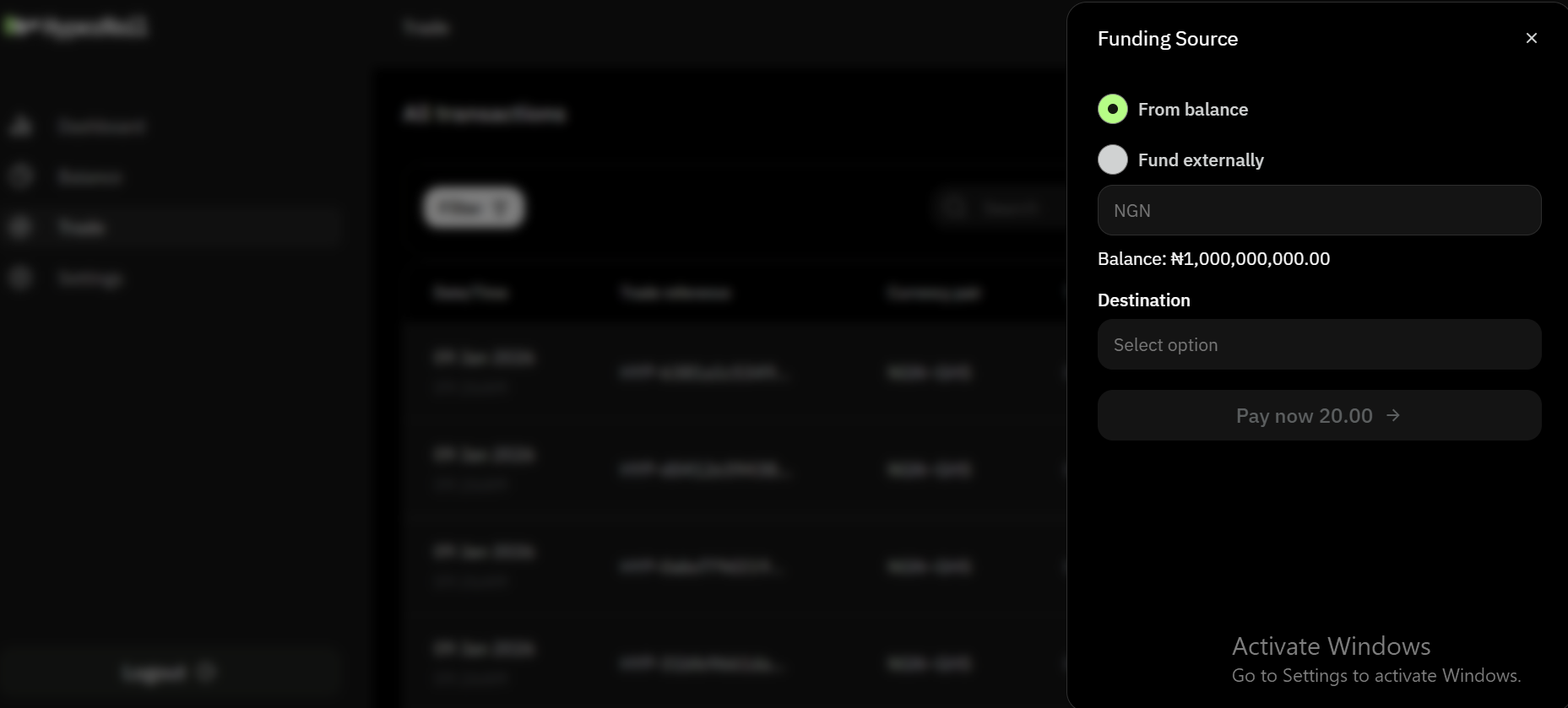 We have two types of funding source:
1. **Balance**: You can fund using your HyperRail wallet
2. **Fund Externally**: You can fund with an external account
We have two types of funding source:
1. **Balance**: You can fund using your HyperRail wallet
2. **Fund Externally**: You can fund with an external account
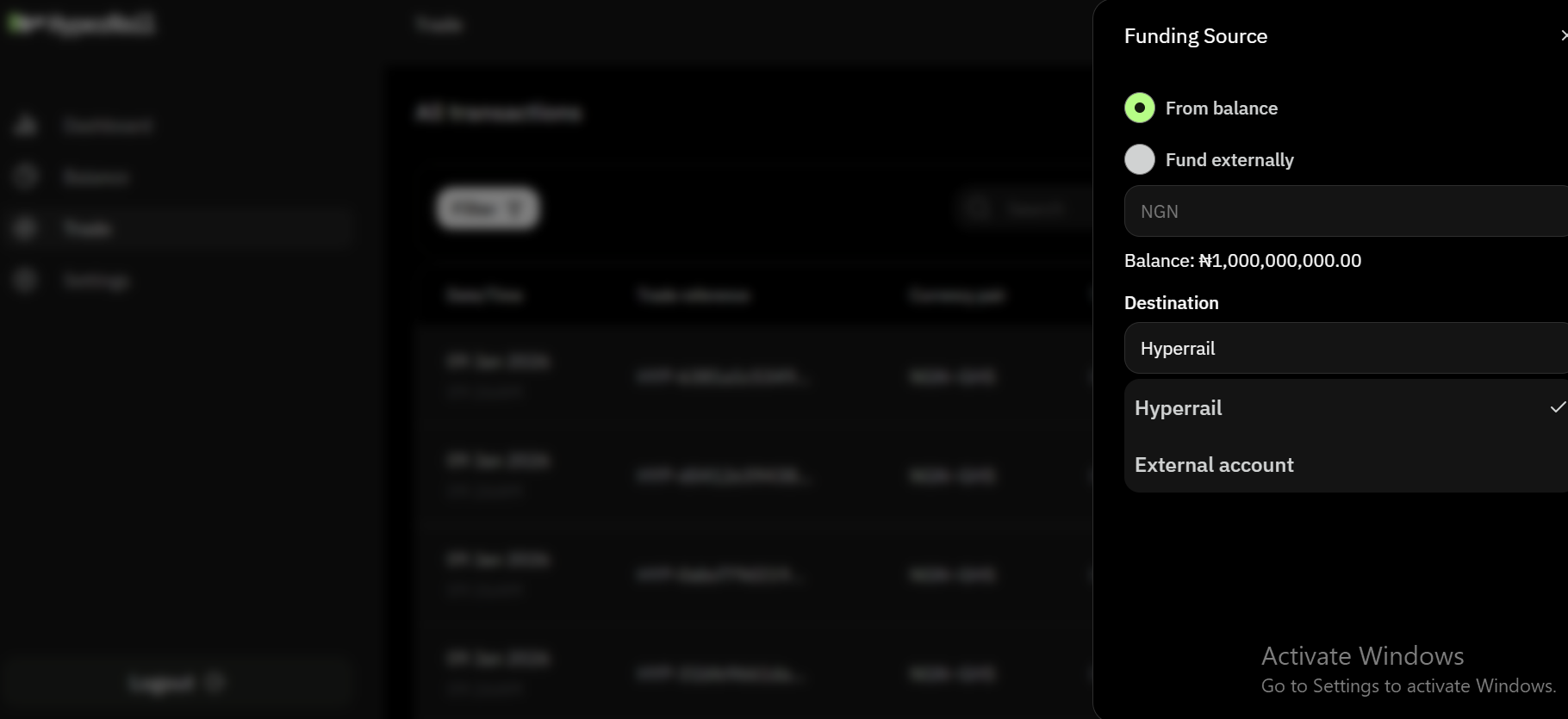 We have two types of destination:
1. **HyperRail**: You can recieve funds to your HyperRail wallet
2. **External Account**: You can recieve funds to an external account
Confirm the transaction to lock the rate by filling in your OTP.
Stablecoins are credited to your HyperRail wallet once processing is complete.
***
## Transaction Statuses
Each on-ramp transaction moves through the following statuses:
* `pending` – Fiat deposit processing
* `successful` – Stablecoins credited
* `expired` – Transaction expired
* `insufficient-balance` – insufficient wallet balance
* `failed` – Transaction failed
***
Important Notes
* Exchange rates are shown before confirmation
* Final rates are locked at confirmation
* Transactions are recorded and auditable
* Availability depends on supported currencies and liquidity
***
We have two types of destination:
1. **HyperRail**: You can recieve funds to your HyperRail wallet
2. **External Account**: You can recieve funds to an external account
Confirm the transaction to lock the rate by filling in your OTP.
Stablecoins are credited to your HyperRail wallet once processing is complete.
***
## Transaction Statuses
Each on-ramp transaction moves through the following statuses:
* `pending` – Fiat deposit processing
* `successful` – Stablecoins credited
* `expired` – Transaction expired
* `insufficient-balance` – insufficient wallet balance
* `failed` – Transaction failed
***
Important Notes
* Exchange rates are shown before confirmation
* Final rates are locked at confirmation
* Transactions are recorded and auditable
* Availability depends on supported currencies and liquidity
***