Overview

HyperRails supports two primary account types:
  • Merchants — businesses that perform on-ramp, off-ramp, and fiat exchange transactions
  • Exchange Client — institutions that supply fiat or stablecoin liquidity to power transactions on the platform
Choose the role that best matches how you intend to use HyperRails.

Onboarding as a Merchant

Merchants use HyperRails to convert currencies, manage treasury, and move funds across regions.
1

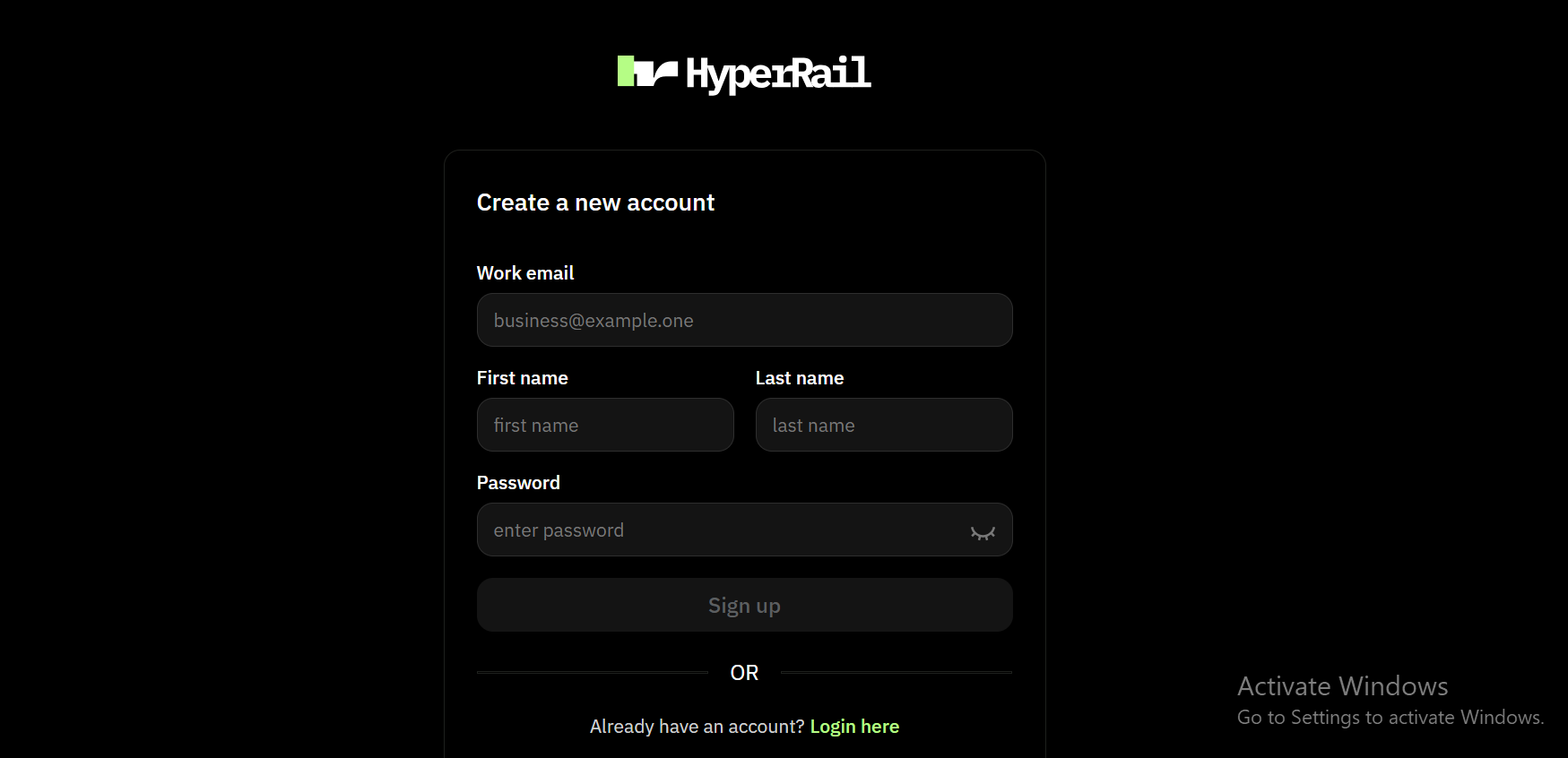
Create an Account

Main dashboard interfaceSign up on HyperRails using your business email and complete basic account setup.
2

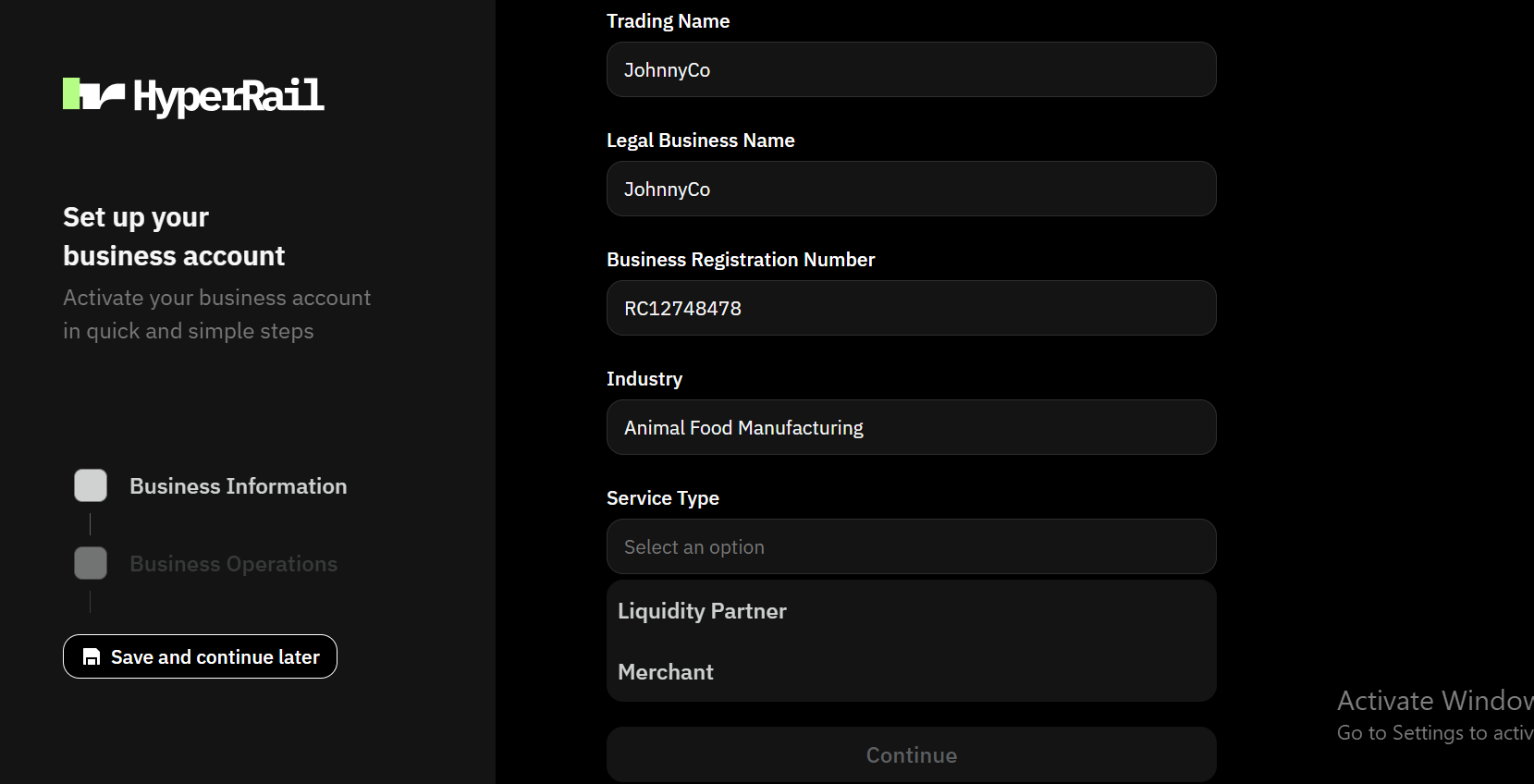
Fill in business information

Main dashboard interfaceSelect merchant as service type
3

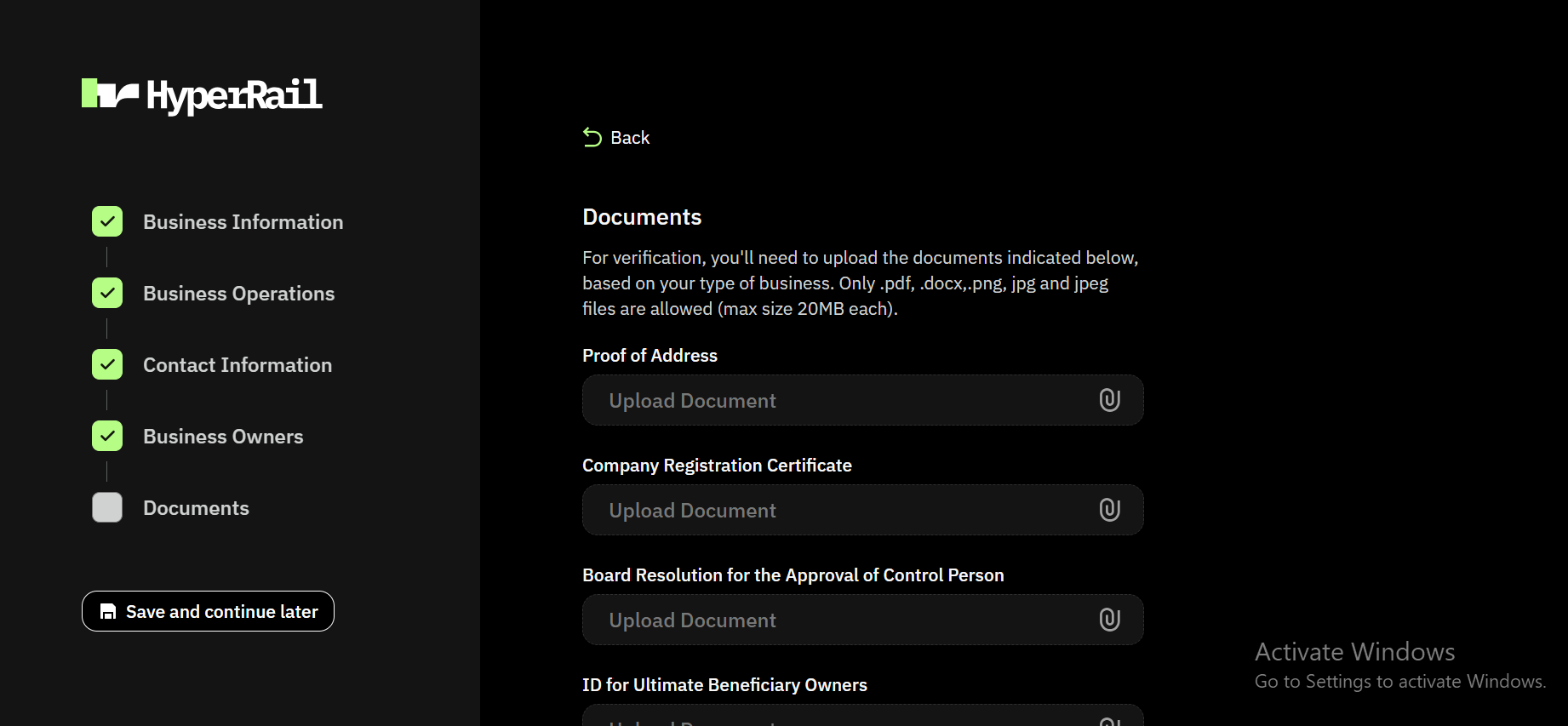
Complete business verification

Main dashboard interfaceFill other information on business operation, contact information, business owners and documents. Don’t know what documents to upload check out verification process
4

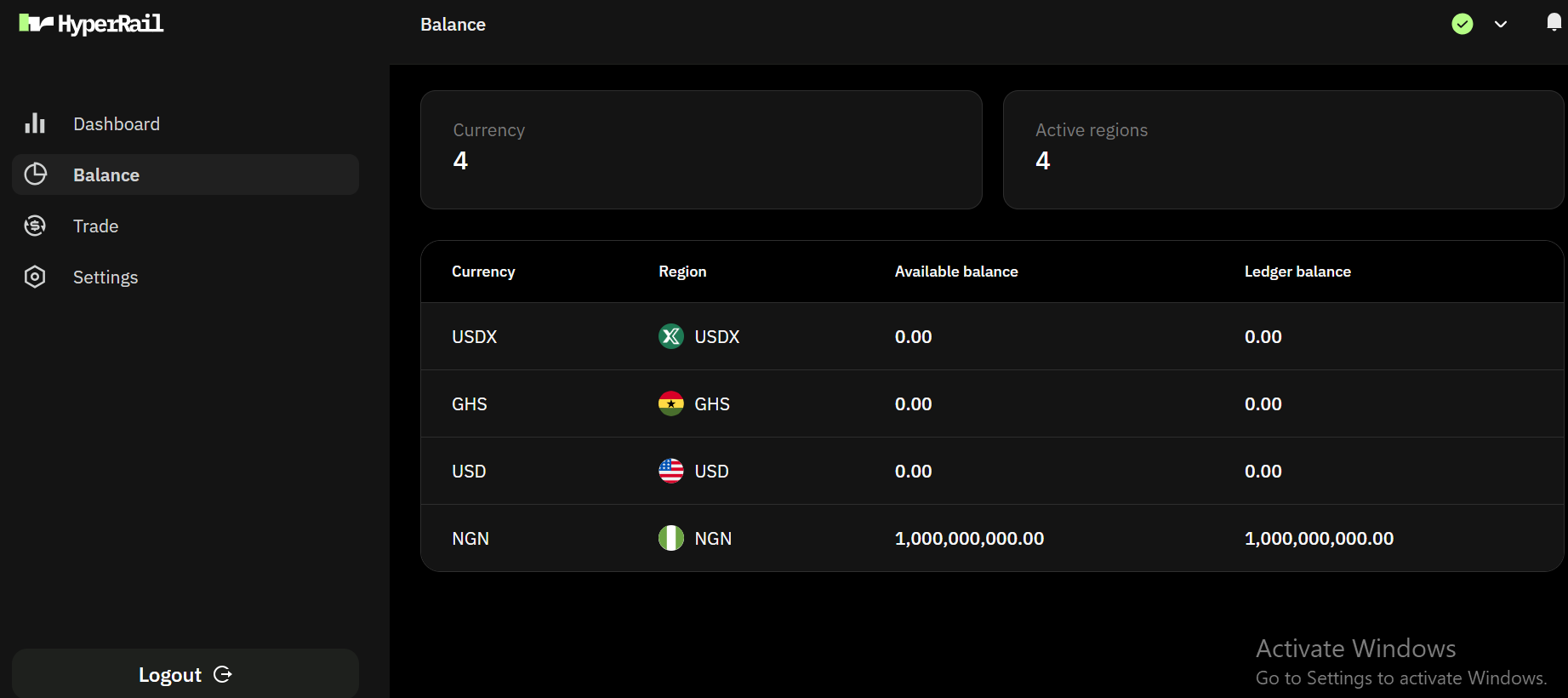
Fund your account

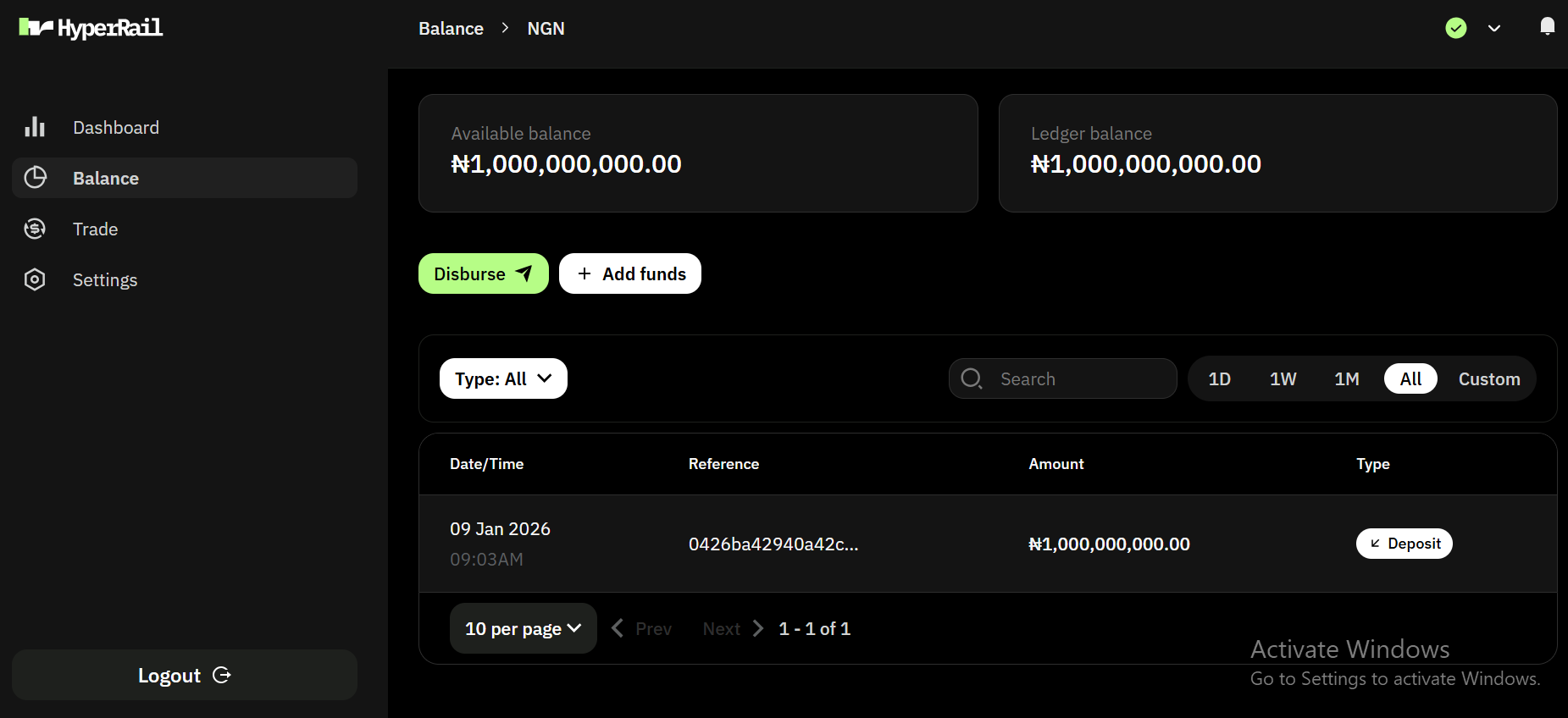
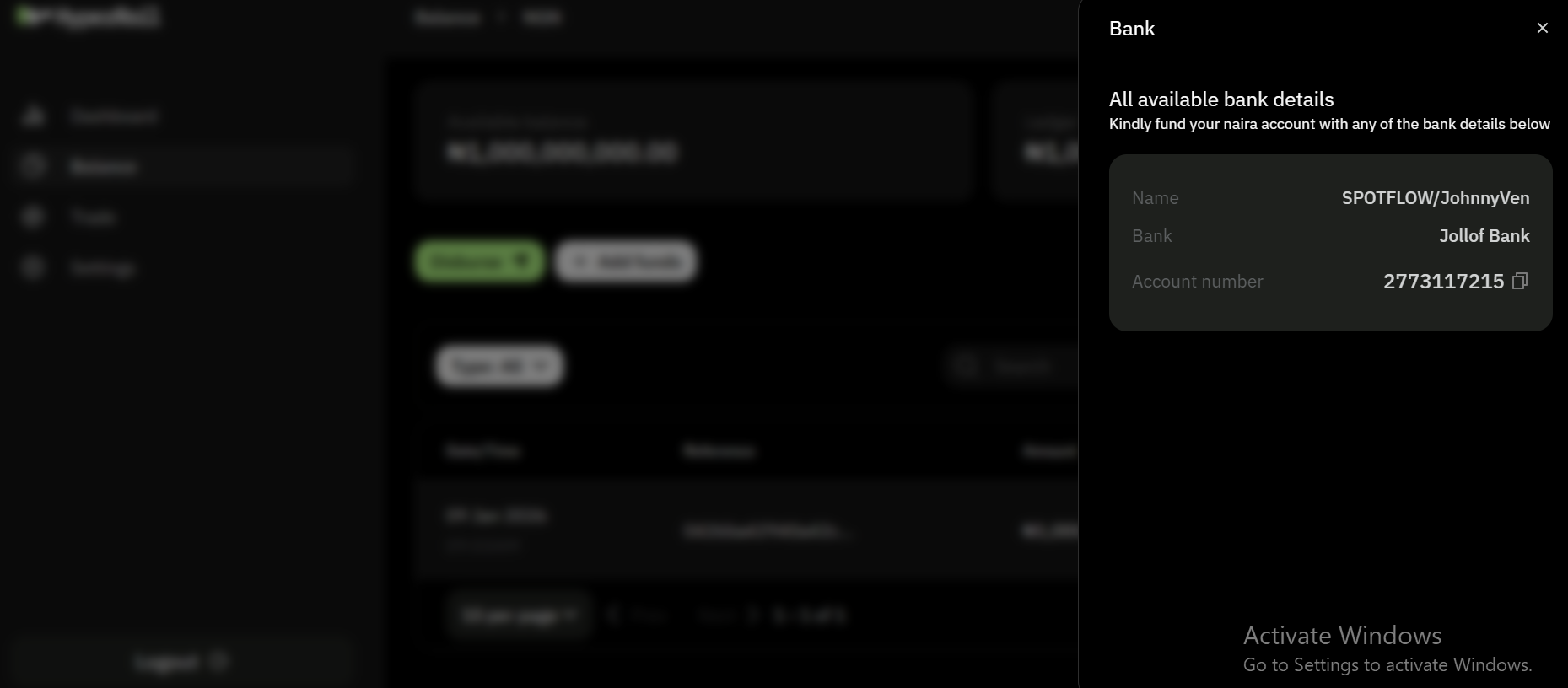
Main dashboard interfaceWe support NGN, GHS, KES, ZAR, XOF, USD, GBP and EUR for funding wallet in HyperRails with more currencies rolling out on a regular basis.Main dashboard interfaceSelect NGN wallet and click on add fundsMain dashboard interfaceNote: This is a test account and we use jollof bank, for a live account we use actual banks.
5

Start Transacting

Once approved, you can perform on-ramp, off-ramp, and fiat exchange transactions for a live account.

Onboarding as an Exchange Client

Exchange Clients supply capital and pricing to support transactions on HyperRails.
1

Create an Account

Main dashboard interfaceSign up on HyperRails using your business email and complete basic account setup.
2

Fill in business information

Main dashboard interfaceSelect exchange client as service type
3

Complete business verification

Main dashboard interfaceFill other information on business operation, contact information, business owners and documents. Don’t know what documents to upload check out verification process
4

Fund your account

Main dashboard interfaceWe support NGN, GHS, KES, ZAR, XOF, USD, GBP and EUR for funding wallet in HyperRails.Main dashboard interfaceSelect NGN wallet and click on add fundsMain dashboard interfaceNote: This is a test account and we use jollof bank, for a live account, we use a real bank, e.g Nombank
5

Configure Supported Pairs

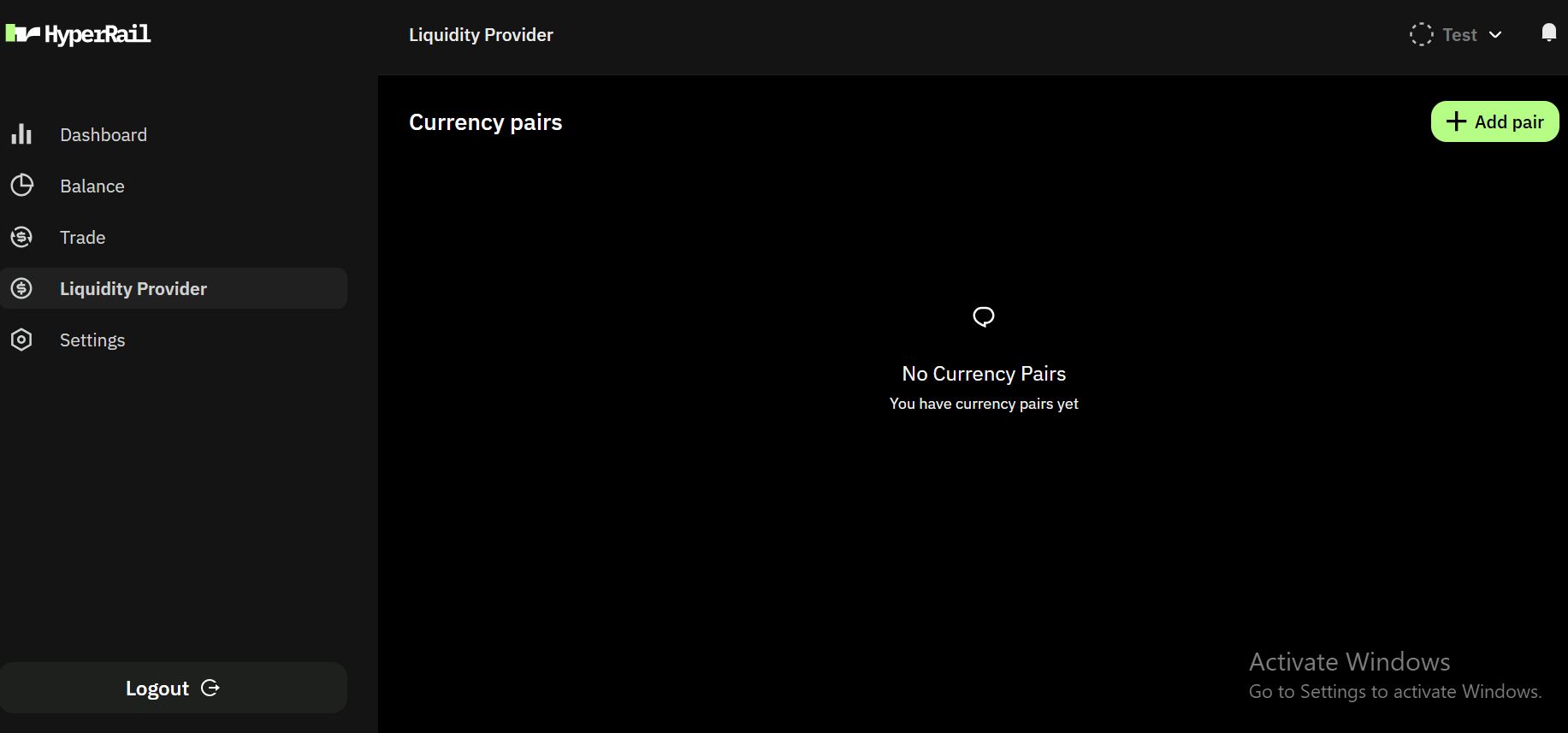
Main dashboard interfaceSelect Exchange client on the sidebar and click on Add pairMain dashboard interface
  1. Select source and destination currency.
  2. Choose a markup either manual, percentage and plus.
  3. Set your preferred rates threshold.
  4. Set your preferred liquidity amount threshold.
Important Notes
  1. We support NGN, GHS, KES, ZAR, XOF, USD, GBP and EUR, for fiat currencies.
  2. We support USDT and USDC for stablecoin currencies.
  3. We support BASE, ETHEREUM, POLYGON, STELLAR for network.
6

Go Live

Your liquidity becomes available for transactions on the platform.

Business Verification Timeline

  • Typical approval time: 1–3 business days
  • You’ll receive email updates if additional information is required.

Need Help?

If you need assistance during onboarding, contact: